Lenovo Handhelds
Disclaimer
This wiki may contain outdated information.
Lenovo Legion Go

Optional Tweaks
- Configure the HHD Overlay by opening it with Legion R
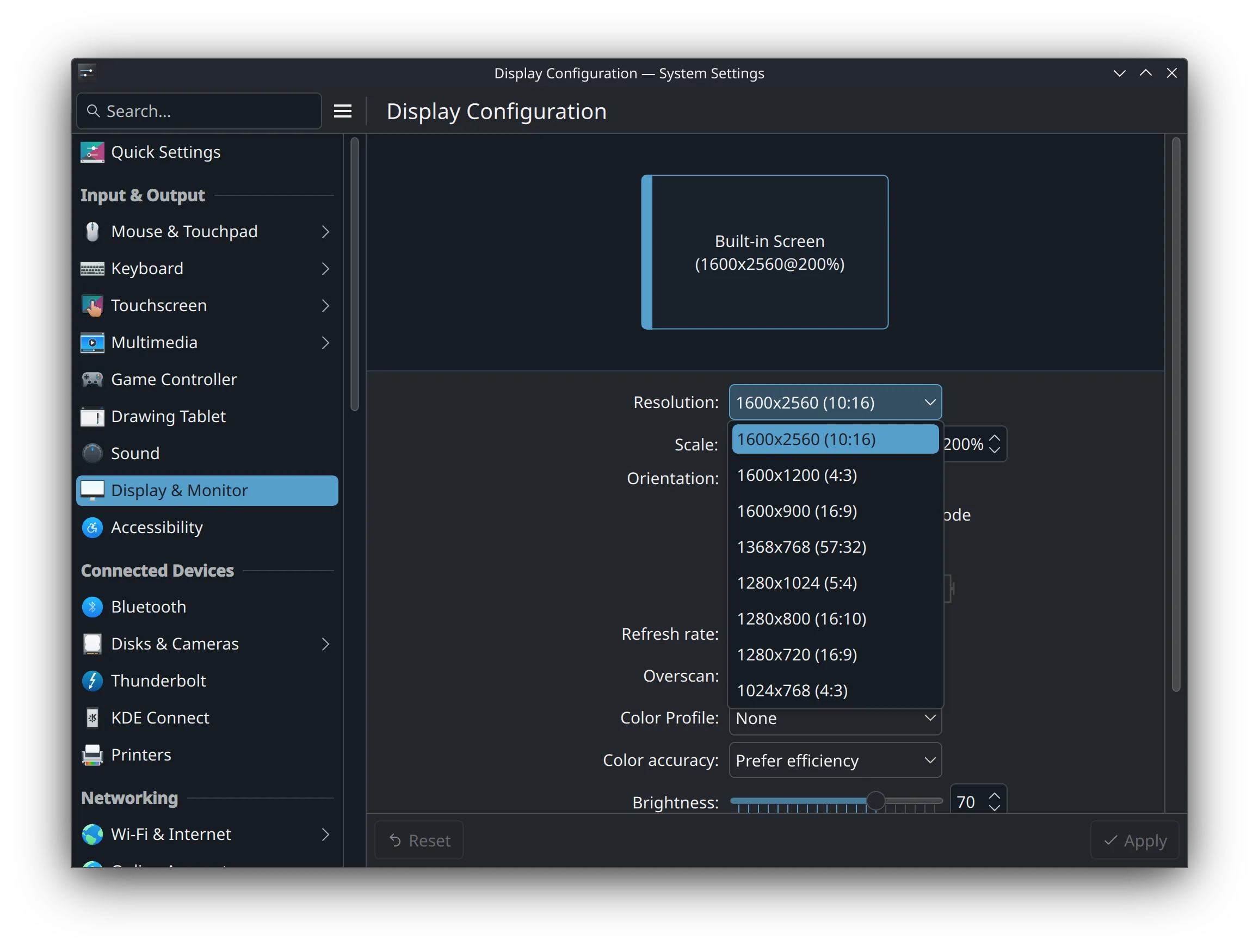
- Adjust the scaling of the UI in the Display Settings
Known Issues
- Performance overlay might be reporting inaccurate power consumption.
- Adaptive/auto display brightness is currently broken.
- Manual brightness slider in Steam's UI works without issues.
- BIOS and controller firmware is recommended to update in Windows.
BIOS update breaks Secure Boot key

Read our Secure Boot guide to re-enroll the key after a BIOS update if you keep Secure Boot enabled, which is the default for this device.
Info
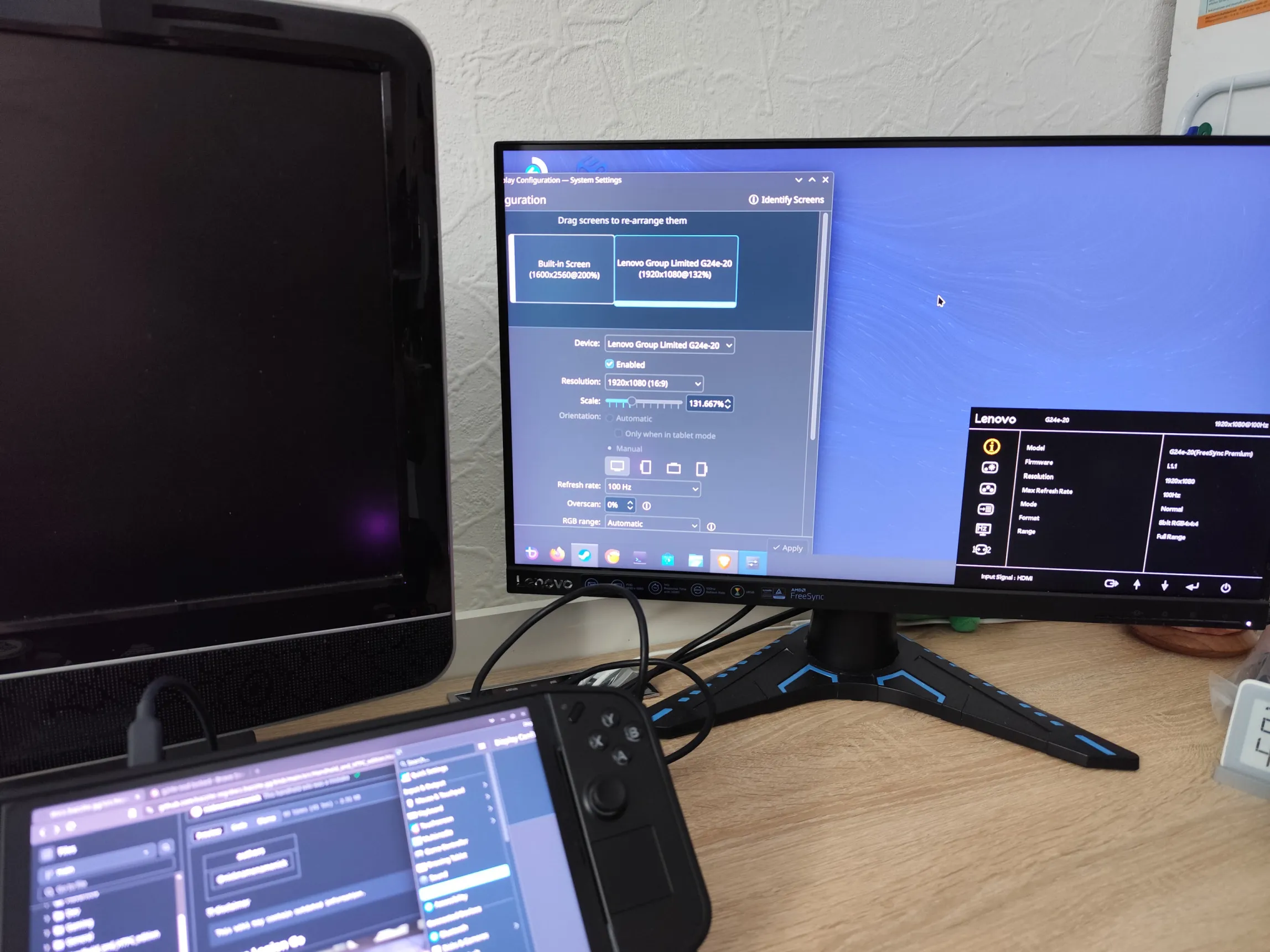
As of July 2025, external monitors are working just fine. The external display can be set to its respective native resolution and refresh rate.

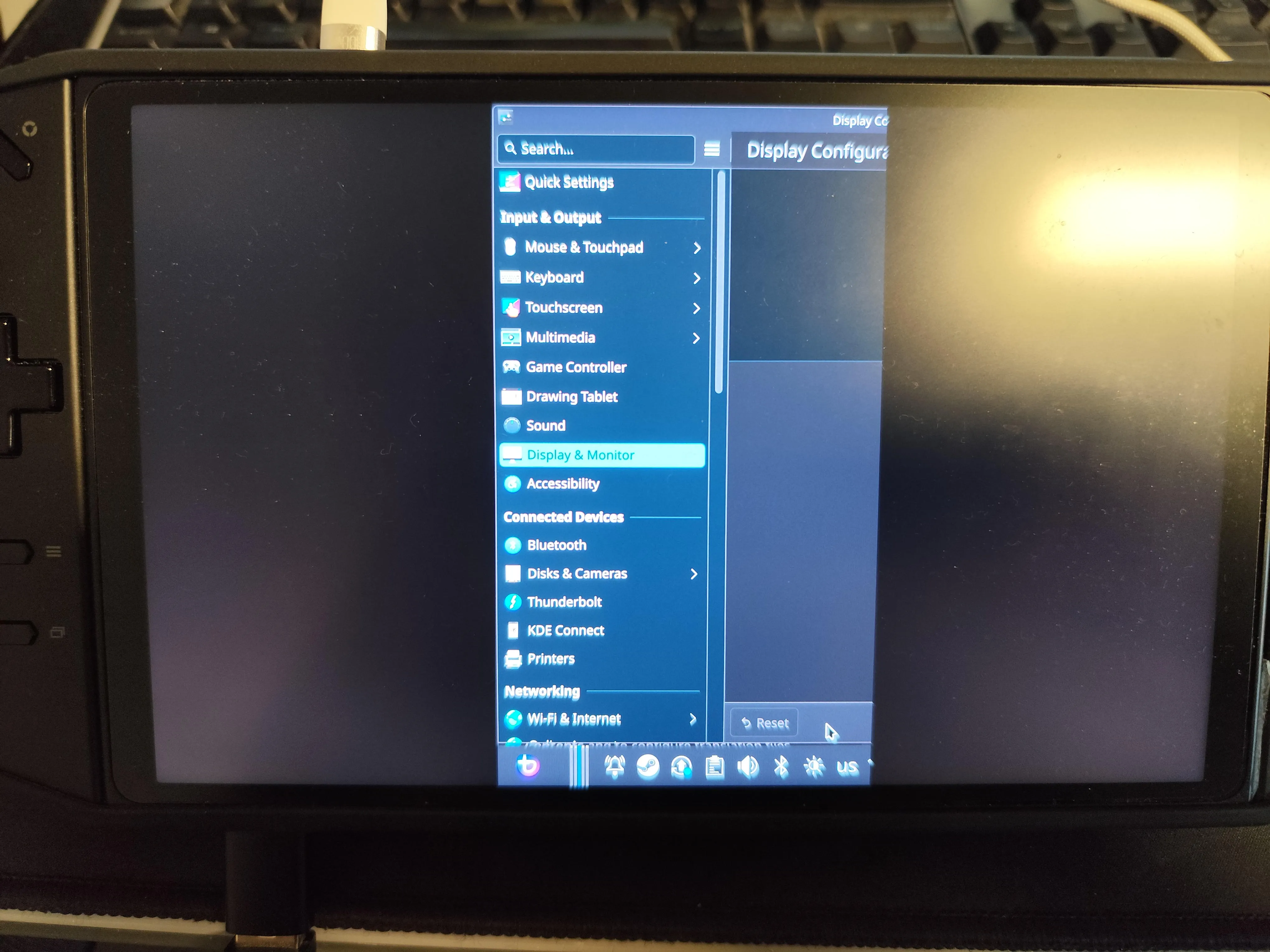
Without additional fixes, the internal display only offers its native resolution with the correct aspect ratio. Other resolutions can be chosen, but most of the screen will remain empty.

If your screen doesn't display the correct output or looks grainy, noisy, or oddly colorful then you will have to enter a TTY session and enter this command:
Alternatively, ssh into it and enter this command:
External Resource
For more information, check out the Legion Go Tips and Tricks guide which includes useful scripts for this handheld.