Ayn 掌机
Disclaimer
本 wiki 可能包含过时信息。
Ayn Loki Max
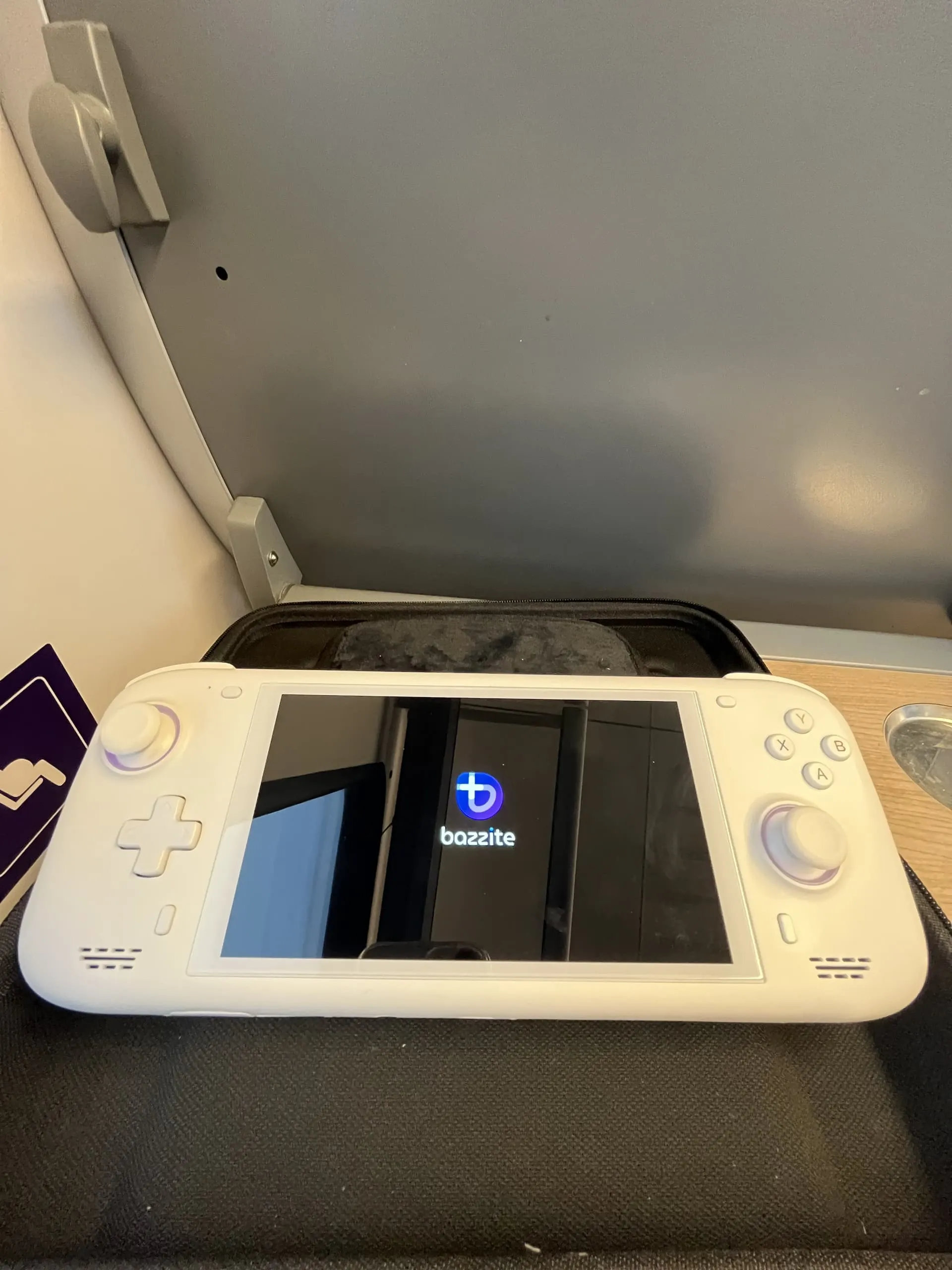
可选调整
- 在 Steam 游戏模式下通过
Settings > Controller > Calibration & Advanced > LED Settings调整 RGB,或在 Handheld Daemon 中调整 - 在显示设置中调整 UI 缩放比例
- 通过 Handheld Daemon 在 HHD 中设置充电上限
已知问题
- 游戏有时会默认使用 800p 分辨率。
- 在
Steam Settings > Properties > Game Resolution中为每个游戏手动更改分辨率为 "Native"(原生)或其他更高分辨率。 - 背部按键被硬映射为 L3 和 R3。
- 这在 Windows 上同样存在问题。
Ayn Loki Mini Pro
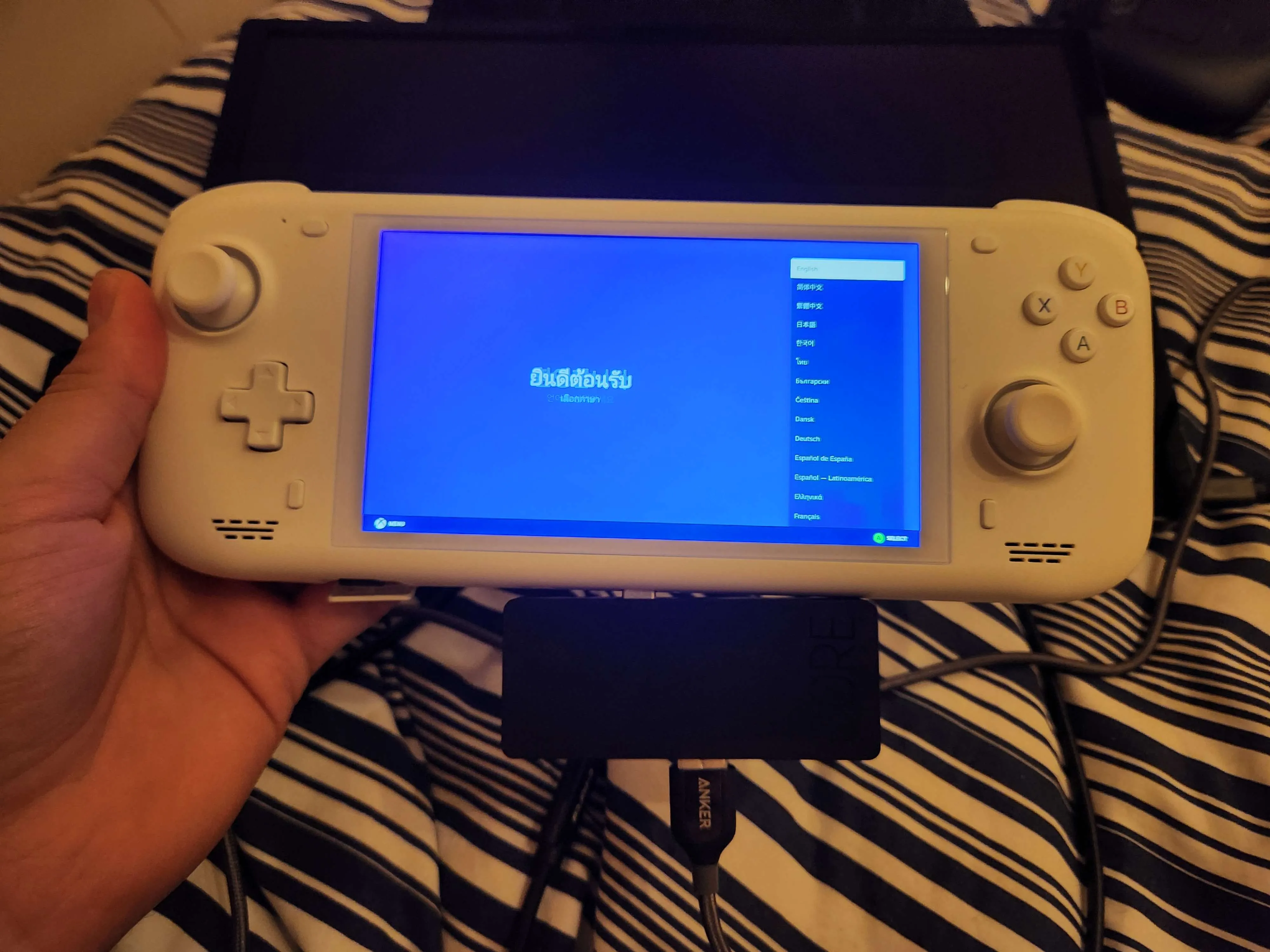
可选调整
- 在 Steam 游戏模式下通过
Settings > Controller > Calibration & Advanced > LED Settings调整 RGB,或在 Handheld Daemon 中调整 - 在显示设置中调整 UI 缩放比例
- 通过 Handheld Daemon 在 HHD 中设置充电上限
已知问题
- 游戏有时会默认使用 800p 分辨率。
- 在
Steam Settings > Properties > Game Resolution中为每个游戏手动更改分辨率为Native(原生)或其他更高分辨率。 - 音频驱动目前无法工作。
- 无论是游戏模式还是桌面模式都没有内置音频。
- 据反馈,外接音频音质较差。
- KDE 镜像在桌面模式下旋转方向错误。
- 桌面模式下鼠标输入可能会失效。