跳转至

GPD Handhelds

Disclaimer

This wiki may contain outdated information.

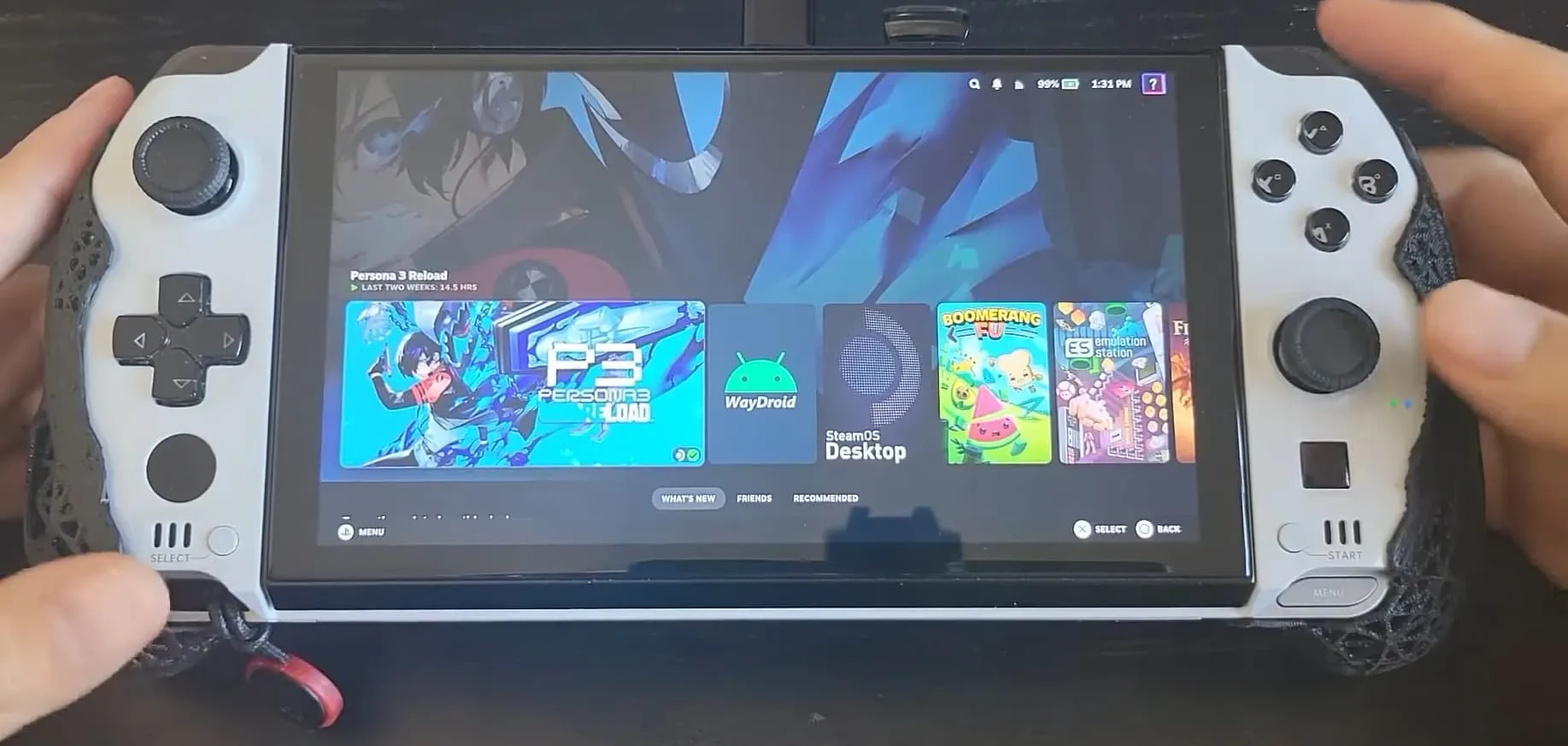
GPD Win 4

gpdwin4|690x328, 100%

General Information & Optional Tweaks

  • Adjust RGB with Steam Gaming Mode in Handheld Daemon
  • Adjust the scaling of the UI in the Display Settings
  • Set a charge limit in HHD with Handheld Daemon
  • GPD devices also have a physical switch you can toggle to enable a separate desktop/mouse mode.

Known Issues

  • Suspend-resume fully works on the 6800u Win 4 after disabling the fingerprint scanner, but there are a few user reports of the 7840u and newer models having only partially working suspend-resume.
  • It seems to be very similar/related to the suspend issue on the GPD WM2 7840u and newer devices, more details here
  • Games can sometimes default to 800p resolution.
  • Manually change the resolution per game in the Steam Settings > Properties > Game Resolution to either Native or other higher resolutions.
  • Back buttons may need to be manually remapped before they are usable.
  • Manually remap back buttons as described in hhd docs here
    • Watch this video if you need a visual guide.

External Resource

For more information, check out the GPD Win Tips and Tricks guide which includes useful scripts for this handheld.

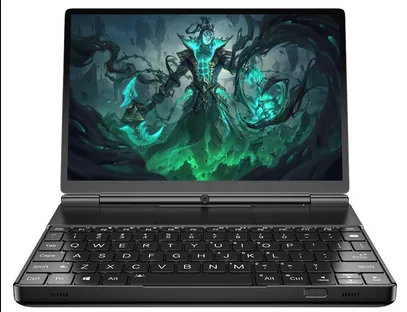
GPD Win Max 2

placeholder_gpdwinmax2|407x312, 100%

Optional Tweaks

  • Steam Gaming Mode Display settings that are recommended to be changed:
  • Use Native Color Temperature - Enabled
  • GPD devices also have a physical switch you can toggle to enable a separate desktop/mouse mode
  • Adjust RGB with Steam Gaming Mode in Handheld Daemon
  • Adjust the scaling of the UI in the Display Settings
  • Set a charge limit in HHD with Handheld Daemon

Known Issues

  • Suspend-resume works on the WM2 6800u model after disabling the fingerprint scanner, but 7840u and newer models have only partially working suspend-resume.
  • Read about the issue here for details on suspend-resume issues for the newer WM2 devices.
  • If you install your OS on an m2 2230 SSD in the secondary drive slot, it can cause suspend issues.
  • You should install your OS onto the primary internal SSD only.
  • Games can sometimes default to 800p resolution
  • Manually change the resolution per game in the Steam Settings > Properties > Game Resolution to either Native or other higher resolutions.
  • Gyro is non-functional.
  • Back buttons may need to be manually remapped before they are usable.
  • Manually remap back buttons as described in hhd docs here
    • Watch this video if you need a visual guide.

External Resource

For more information, check out the GPD Win Tips and Tricks guide which includes useful scripts for this handheld.