跳转至

ASUS Handhelds

Disclaimer

This wiki may contain outdated information.

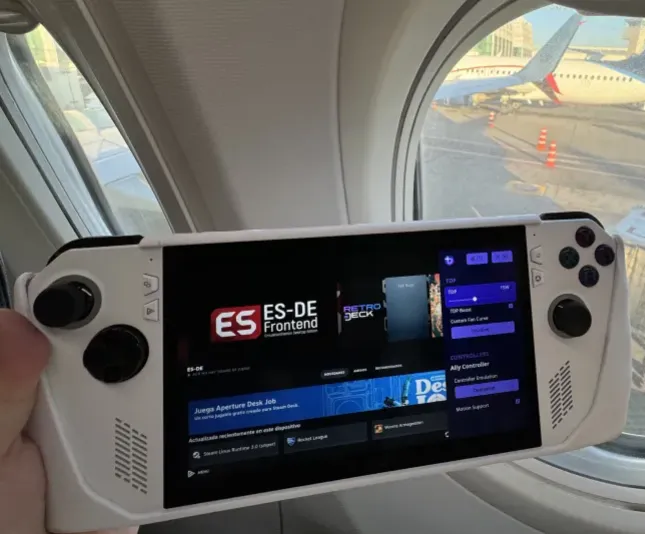
ASUS ROG Ally / ASUS ROG Ally X

ally|603x500, 100%

General Notes

  • Holding the Armoury Crate button (on the side) allows you to switch to Mouse Mode
  • Enable the Steam Power Button Handler setting in Handheld Daemon

Optional Tweaks

  • Adjust settings in Handheld Daemon.
  • Adjust the scaling of the UI in the Display Settings.

Known Issues

  • Changing A/C power sometimes leads to a stuck TDP.
  • Some users report the mic sounding garbled
  • Solution to that is to set the mic/input volume to 10%-15% in settings
  • For Discord you also need to set the input profile in the Discord Settings to voice cancellation.
  • (Xbox Ally Only) Audio swaps from left to right internal speakers as mono.
  • This is a known problem that is supposed to be fixed on Kernel 6.19
  • Some users report that "Auto UMA" in the bios can cause crashes in some games.
  • If you encounter this, then try setting the VRAM in bios to 4GB or 8GB.
  • LED indicator is on max brightness by default and cannot be changed on any other operating system outside of Windows.
  • This is tied to the firmware.
  • This also affects when the ally is charging and sleeping.
  • The Ally does not support button holding for the Steam or QAM buttons.
  • Steam Input's chords do not work by default.
    • Swapping the Start/Select button(s) is a workaround.
  • Suspend can break if SMT is disabled
  • Fingerprint driver does not work.
  • Storage shows duplicate drives.
  • This is a visual bug, do not attempt to format this drive!
  • Turning on the wake animation when resuming from sleep causes the device to act erratically.
  • No controls outside of Steam.
  • Steam's top and bottom panels missing.

CPU Boost?

Disabled by default to prevent excessive power draw to the device.

More information can be found here about this.